

A ceiling fan should make a steady, ordinary motor sound at most. When it starts clicking, humming, rattling, buzzing or grinding, the noise can be annoying before it becomes clearly concerning. The useful first step is not trying every possible fix. It is noticing what the sound does, whether the fan stays steady and which parts are safe to inspect without getting into wiring or support hardware.
Some noises come from simple, visible parts. A pull chain can tap a glass shade. A blade screw can loosen over time. Dust or a warped blade can add a rattle. Other sounds point to a problem that should not stay in service, especially when the fan shakes, the canopy moves, the light flickers, the controls act strangely or you notice heat or an electrical smell. This guide helps you separate those two situations.
Start with the sound and the fan's behavior
Watch from the floor at a low speed before you touch anything. A click once per rotation often means one blade, a light shade or a pull chain is contacting the same place each time. A quick rattle can come from a loose globe, bulb or decorative part. A hum may be tied to the motor, receiver, switch or dimmer. Grinding is more serious because it can signal contact or an internal mechanical issue that is not a simple surface adjustment.
At the same time, look for movement. Does the fan sit steady? Does the light kit shake? Is one blade sitting lower than the others? Does the canopy look uneven or change position? A sound by itself can be a small maintenance question. A sound paired with movement is a reason to stop treating it like one.
Turn the fan off before any inspection
Use the wall switch to turn the fan off and wait until the blades stop completely. If you will touch an accessible blade screw, shade or light kit screw, switch off the circuit at the breaker too. Keep the check limited to parts you can clearly see and safely reach. A blade screw is different from the electrical box, support brace and wiring behind the canopy.
Do not remove the canopy to investigate a hum, buzz or rattle. You cannot confirm a fan's support by looking at the outside cover, and a ceiling fan needs proper support every time it turns. The same rule applies to high ceilings, stairwells and awkward rooms. Take a photo or video from the floor instead of forcing a ladder inspection in a place that is not safe.
ENERGY STAR recommends that ceiling fan blades be at least 7 feet above the floor. Its ceiling fan basics explain why a fan's placement and clearance matter before anyone starts troubleshooting or replacing it.
Clicking and rattling usually start with visible parts
Clicking or rattling is often the best place to start because the cause may be visible. Check the pull chain, glass shades, bulbs, finials and other decorative parts with the fan off. A long pull chain can tap a shade or bowl as the fan turns. A loose bulb can rattle in its socket. A shade that is not seated evenly can make a small noise that seems much louder from across a quiet room.

Tighten only the small, accessible parts that the fan instructions identify as user-serviceable. Glass should feel secure, but do not overtighten a shade or force a retaining screw. If the light flickers, a socket looks damaged or the fixture feels unusually hot, stop there. A light-kit rattle is one thing. An electrical symptom deserves a different level of attention.
For a repeated single click, use the focused ceiling fan clicking noise guide. It walks through blade hardware, shades, pull chains and clearances in more detail without treating a loose mount or electrical issue as a quick fix.
Check blade screws, blade arms and blade condition
With the fan off, gently support one blade and inspect where it meets the blade arm, then where the arm meets the motor. Compare each connection as you work around the fan. You are looking for a screw that has backed out, a gap that looks different from the others or an arm that appears bent. Tighten an accessible screw carefully when the fan instructions allow it. Do not force a screw that spins, will not catch or seems to belong to the mounting area.

Look at the blades too. Dust buildup, a warped blade, a crack or a chipped edge can create a rattle and may contribute to wobble. Wipe each blade with a soft cloth while the fan is off, then compare their shape. Do not tape a cracked blade, bend a blade arm back by hand or add homemade weights. Those workarounds can make the fan less predictable, not more secure.
If the fan shakes or one blade clearly sits out of line, move to the ceiling fan wobble guide rather than jumping straight to a balancing kit. A kit can help a modest balance issue only after the visible hardware is secure and the mount appears solid.
Humming and buzzing need a more cautious approach
A hum or buzz is less likely to be a loose glass shade. It can be related to a motor, remote receiver, wall control, dimmer compatibility or another electrical component. The important clue is whether the sound is new, changes with speed, comes with a hot smell, affects the light or makes the wall control behave differently.
Do not open the canopy, bypass a control or try to repair wiring to chase a hum. A compatible, working fan should not need improvised electrical work to stay quiet. If the noise appeared after a new wall control, remote setup or light-bulb change, note that detail along with the fan model. It helps the right professional separate a control issue from a fan problem without guessing.
For permanent fixture safety, the Electrical Safety Foundation International's electrical safety guidance is a useful reminder that extension cords and temporary adapters are not substitutes for the proper connection a ceiling fixture needs.
Grinding is a reason to stop testing the fan
A grinding sound can mean moving parts are contacting each other or that something inside the motor assembly needs attention. Unlike a loose pull chain, this is not a sound to keep running at different speeds until you have a clearer answer. Turn the fan off, note when the sound happens and check only for obvious external clues such as a damaged blade, a loose-looking light kit or a fan that is no longer steady.
Do not spray lubricant into the motor, take apart the motor housing or assume a grinding noise is normal wear. A fan that makes this sound, especially if it also wobbles or smells hot, should stay off until the issue is assessed. When a fan is old or the motor repair is not practical, replacement can be the better conversation. The ceiling fan installation cost guide explains the room, support and wiring details worth checking before a replacement is scheduled.
Look at the canopy, but do not open it
The canopy is the cover where the fan meets the ceiling. With the fan off, look for a gap that changes, a cover that hangs unevenly or a fan body that seems to move relative to the ceiling. The cover itself does not reveal the condition of the box or bracket behind it, but visible movement is enough reason to stop using the fan.

Do not pull the canopy down to look at wiring or mounting hardware unless that work is safely within your expertise. A rotating fan is heavier and more dynamic than a light fixture, so its support matters every time it runs. A moving canopy, a crooked fan body or a noise combined with shaking is the point to arrange a closer assessment, not to keep retesting it.
Use a balancing kit only for a small, stable wobble
A balancing kit is useful only when the fan is mounted securely, the blades are clean and intact, the accessible screws are secure and the remaining movement is modest. Follow the fan and kit instructions exactly. Test one blade at a time, turn the fan off before moving the clip and make one change at a time.
A kit does not fix a moving canopy, damaged blade arm, humming control, grinding noise or electrical symptom. Never use coins, tape, washers or other improvised weights on a blade. If the wobble gets worse or no tested position helps, stop. That result points away from a simple blade-balance adjustment.
When to ask for help with a noisy ceiling fan
Ask for help when the sound continues after the visible checks, when the fan wobbles, the canopy moves, a blade is cracked or bent, the light flickers, the control is unreliable or the noise is grinding, electrical or paired with heat. The same applies when the fan is mounted high, over stairs or on a vaulted ceiling where safe access is the problem.
Got A List? Co. handles standard ceiling fan installation and practical home installation and repair work. For a straightforward fan issue, send a short video from the floor, plus photos of the fan, canopy, wall control and room. The published pricing page gives a local starting point for standard fan work, while the project gallery shows the kinds of practical home projects that can often be grouped into the same visit.
When a project needs new circuits, panel work, major electrical troubleshooting or other work that requires a licensed electrician, the right next step is an electrician. That distinction keeps the repair honest and the home protected.
A short checklist before you turn it back on
- Make sure the area below the fan is clear.
- Confirm the blades move freely by hand with the power off.
- Check that any accessible parts you touched are secure.
- Start at low speed and watch from the floor.
- Increase only to the speed you normally use.
- Turn the fan off again if the noise returns, becomes louder or comes with movement or electrical symptoms.
A careful check gives you a much better answer than trying several fixes at once. It also makes a service conversation faster because you can describe the sound, the speed where it appears and whether the fan stayed steady.
Frequently asked questions
A loose blade screw, pull chain, light shade, dirty or damaged blade, small clearance issue, balance problem or worn internal part can make a ceiling fan noisy. The sound and whether the fan stays steady help narrow down the next safe check.
A light rattle from an accessible shade can be minor, but turn the fan off when noise comes with wobble, a moving canopy, a damaged blade, grinding, a burning smell, sparks, flickering lights or an unreliable wall control. Those symptoms need a closer assessment before the fan runs again.
A hum can come from the motor, remote receiver, dimmer compatibility or another electrical component. Do not open the canopy or try to work on wiring to chase the sound. If the hum is new, gets louder, comes with heat or affects the controls, leave the fan off and have it assessed.
Grinding can point to an internal mechanical issue, contact between moving parts or a problem that is not limited to an accessible screw. Stop using the fan rather than trying to lubricate or take apart the motor from a ladder.
A balancing kit can help only after accessible blade hardware is secure, blades are clean and intact, and the canopy appears solid. It is not a fix for a moving mount, damaged blade arm, grinding sound or electrical symptom.
Need a noisy fan checked?
Send a photo or short video from the floor, plus the room and ceiling details.
Request a Free QuoteKeep planning
Related guides

Ceiling Fan Clicking Noise: Causes and Fixes
Track down a ceiling fan clicking noise with safe, practical checks and know when the sound needs professional attention.
Read the guide →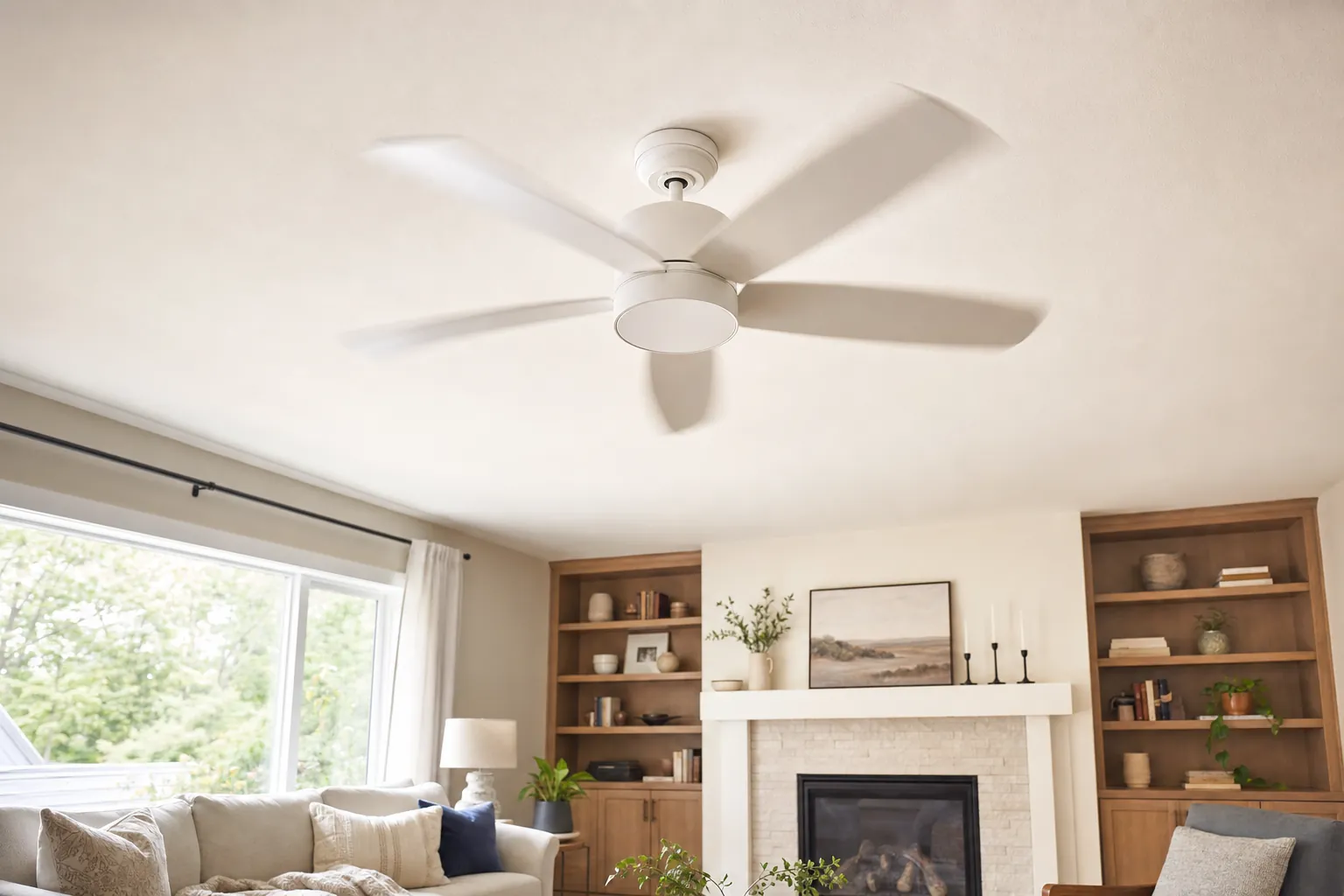
Ceiling Fan Wobble: Causes and Safe Fixes
Find the likely cause of a wobbling ceiling fan, try the safe checks first and know when to stop and ask for help.
Read the guide →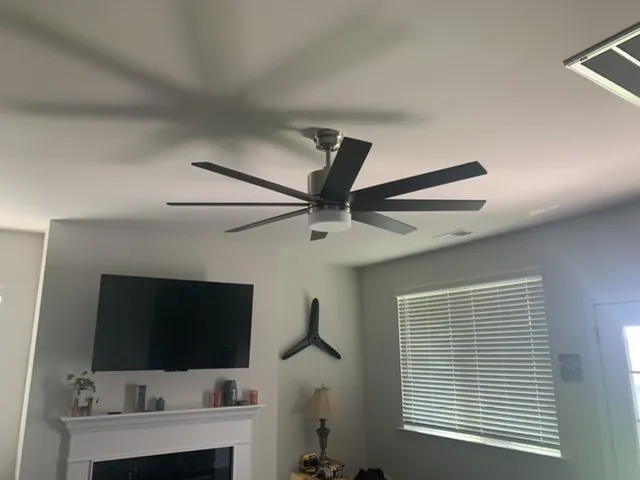
Ceiling Fan Installation Cost: What to Expect
The practical details that shape a ceiling fan installation quote, from replacing an existing fan to a new location.
Read the guide →
Ceiling Fan Direction in Summer: Which Way?
Set your ceiling fan for a cooler-feeling room, learn how to check the direction, and know when a setup problem needs a closer look.
Read the guide →