
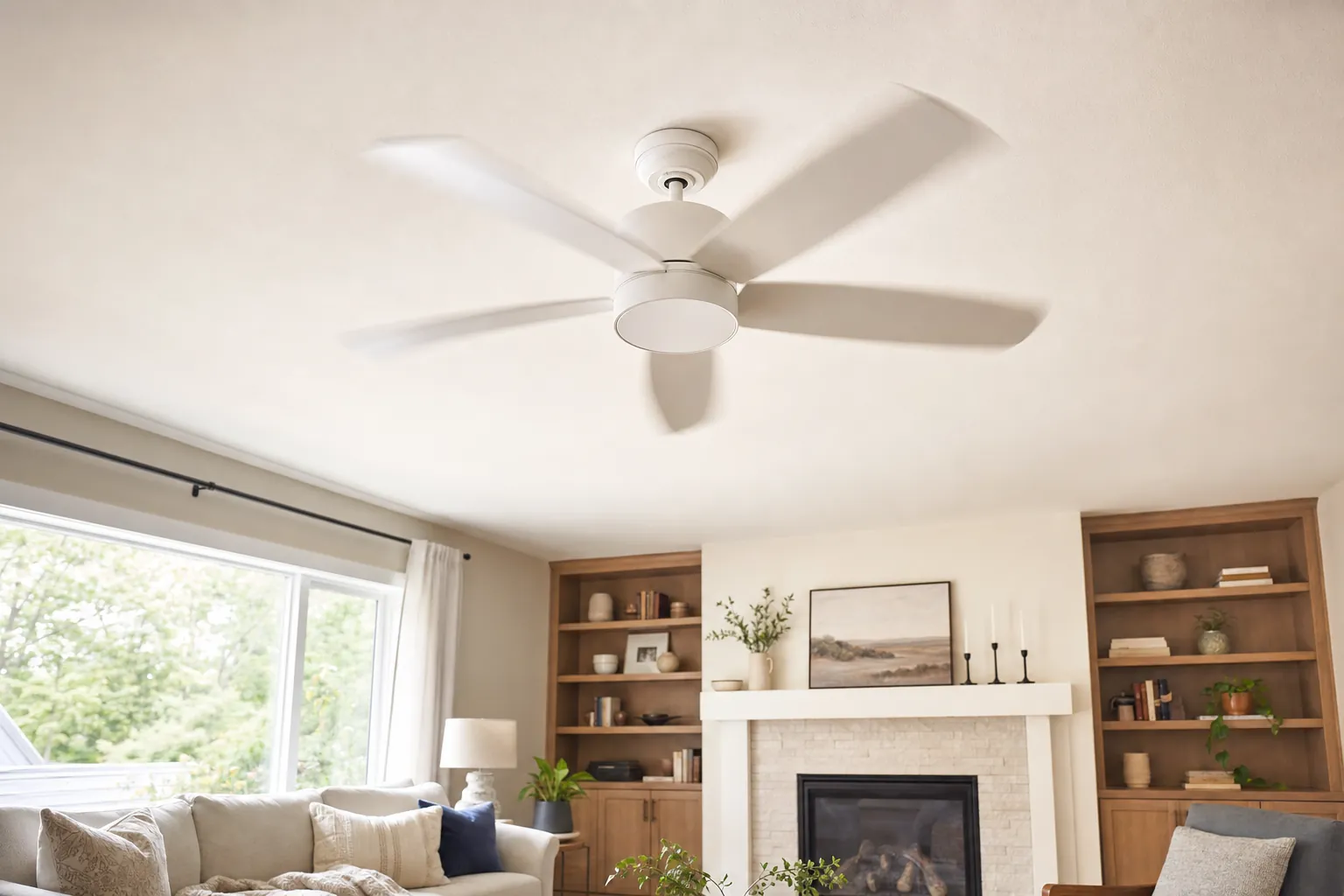
A ceiling fan should look steady when it is running. A little blur at the blade tips is normal. A fan that rocks side to side, makes the light kit shake or sends a new clicking sound through the room is giving you a reason to pause. The good news is that many wobbles come from ordinary issues such as loose blade screws, dust or a blade that is slightly out of line. The important part is knowing the difference between a simple check and a problem that should not be handled from a ladder.
Start by turning the fan off and letting it stop completely. Do not try to touch, steady or adjust a fan while it is moving. Then use this guide to work from the lowest-risk checks toward the more involved possibilities. If the fan is mounted high, the canopy moves, a blade is damaged or anything around the wiring seems unclear, skip the guesswork. A moving ceiling fan needs secure support, not a temporary workaround.
First, decide whether the wobble is minor or a stop-now problem
Stand back several feet and watch the fan at a normal speed before you take anything apart. A minor wobble may show up as one blade sitting slightly higher than the others or a gentle uneven movement that is easiest to see against the ceiling. A serious wobble is more obvious: the motor housing rocks, the fan seems to pull away from the ceiling, the light fixture shakes or the sound changes as speed increases.
Turn the fan off and stop there when you notice a loose canopy, visible damage, a cracked blade, grinding, sparks, a burning smell or a new electrical problem at the wall control. A fan with those symptoms should not stay in service while you experiment with balancing weights. The same applies when the fan is installed over a stairwell, on a very high ceiling or in a location where safe access is the real problem.
A practical starting point is the ceiling-fan guidance from ENERGY STAR, which calls for fans to be mounted at least 7 feet above the floor. That clearance is one reason ordinary checks can become awkward quickly in a tall or vaulted room. If you cannot reach the fan safely and comfortably, take a photo of the fan, ceiling and wall control instead of forcing the inspection.
Turn the power off before you inspect anything
Use the wall switch to turn the fan off, then give the blades time to stop. If you will touch an accessible screw or remove a blade, switch off the circuit at the breaker too. This is not about making a small task feel dramatic. It is about avoiding a surprise when a remote, wall control or smart setting behaves differently than expected.
Keep the inspection limited to parts you can clearly see and reach. A screw on the blade arm is one thing. The ceiling box, wiring, support brace and connections above the canopy are another. Do not loosen the canopy just to see what is behind it unless that work is safely within your experience. If you are unsure whether the fan is mounted to a suitable support point, treat that as a reason for a professional assessment.
For a replacement or a new install, the ceiling fan installation cost guide explains why the mounting point, access and wiring plan matter before a fan goes up. Those details also matter when an existing fan starts to move in a way it did not before.
Check the blade screws and blade arms
Loose blade screws are one of the most common reasons a fan starts to wobble. With the fan off, gently hold one blade and look where it connects to the blade arm. Then look where that arm connects to the motor. You are checking for a screw that is visibly backed out, a gap that differs from the other blades or a blade arm that looks bent.
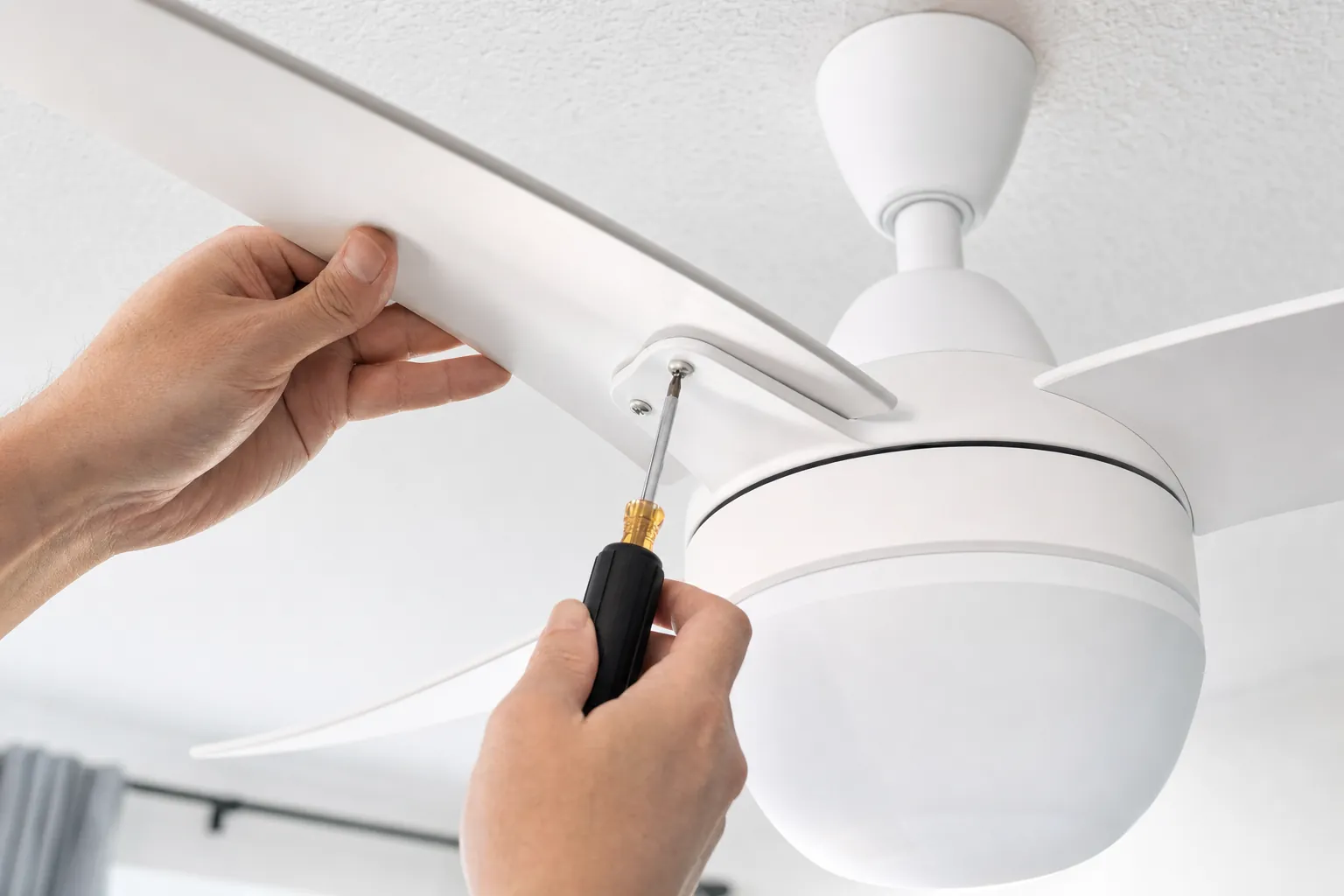
If the manufacturer instructions identify the accessible screws, tighten them carefully without forcing them. Work around the fan one connection at a time so you do not miss a blade. The manufacturer troubleshooting guidance from Hunter Fan likewise starts with checking the blade screws and blade arms before moving on to balance adjustments.
Do not bend a blade arm back by hand. A blade arm that looks bent or twisted is not a cosmetic problem, because changing its shape can make the wobble worse. Likewise, do not try to tighten a screw that will not catch, spins freely or seems to belong to the mounting area rather than the blade assembly. Make a note of what you see and get a closer opinion instead.
Clean the blades and compare their shape
Dust can build unevenly across blades, especially in a kitchen, entry or room where the fan runs often. It is not usually enough to make a fan move violently by itself, but it can add to an existing balance issue. Wipe each blade with a soft cloth while the fan is off. Clean both the top and bottom faces so one blade is not carrying more buildup than the rest.
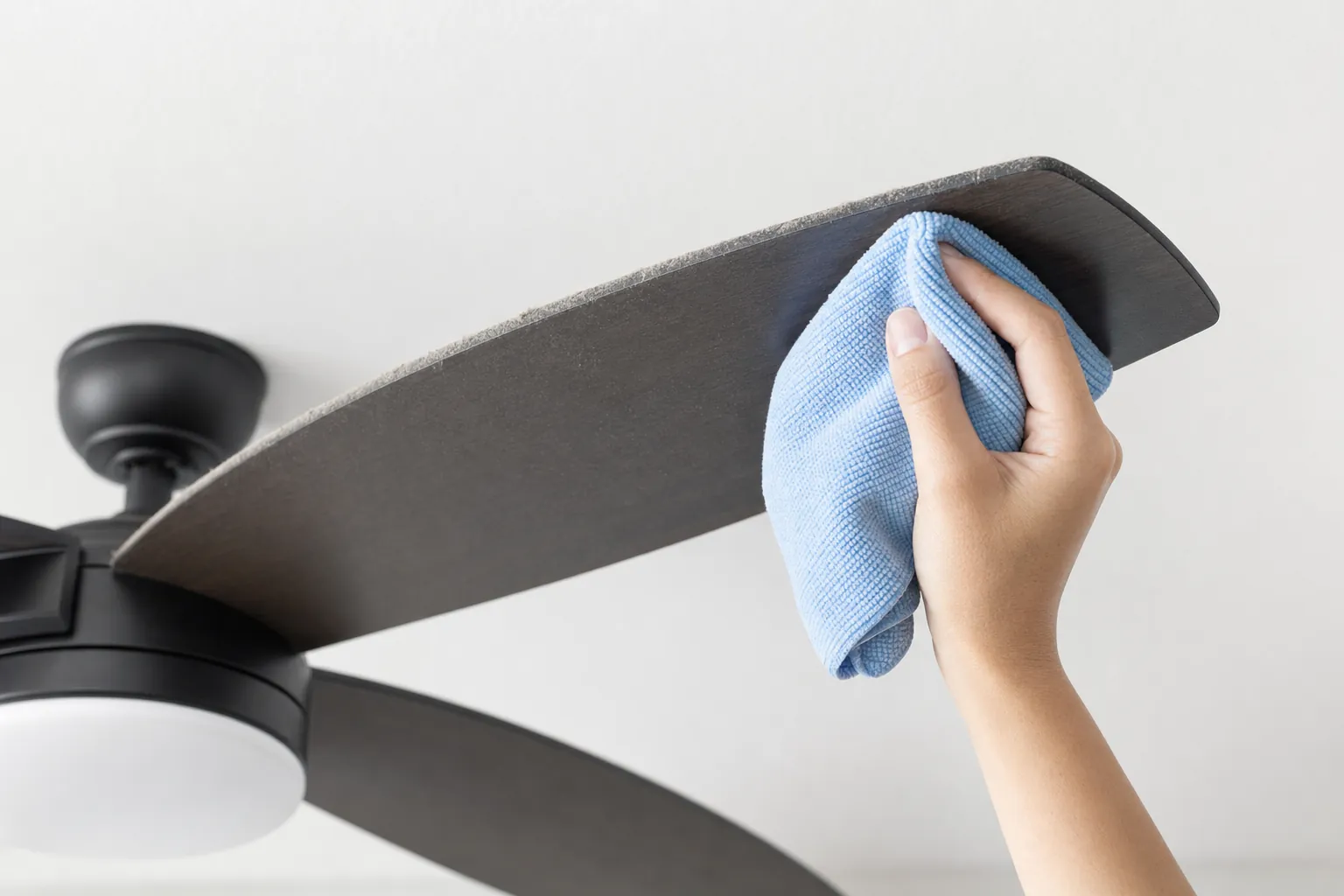
As you clean, compare the blades side by side. Look for a blade that is cracked, drooping, chipped, warped by moisture or visibly different from the others. On a fan with wood-finish blades, seasonal humidity can sometimes reveal an older warp that was not obvious when the fan was new. A damaged blade should be replaced with the exact compatible part, not repaired with tape, glue or a homemade weight.
Before buying a new fan because the old one looks tired, use the ceiling fan size chart to make sure the replacement fits the room, ceiling height and mounting plan. A new fan that is too large for the room or wrong for the ceiling can create a completely different set of problems.
Measure the blade tips before you use a balancing kit
Once the screws are secure and the blades are clean, look for an uneven blade position. A simple way to do this is to choose one point on the ceiling above each blade tip and measure the gap between that point and the blade. You are not looking for perfection to the fraction of an inch. You are looking for one blade that sits noticeably higher or lower than the others.
Another practical comparison is to rotate each blade by hand until it reaches the same clock position, then compare its tip height to a fixed point. If one blade is clearly out of line, do not bend it into place. Confirm that its screws are secure, then consult the fan manual or the manufacturer for the appropriate replacement part or service path.
This is also a good time to look at the light kit and any decorative glass. A loose shade, pull chain or light kit can make the sound of a wobble seem worse than it is. Tighten only the visible parts the instructions say are user-serviceable. If the fan has a remote receiver, smart controls or a dimming problem, keep those symptoms separate from the balance issue so the right next step is clear.
Use a balancing kit only after the simple checks pass
A balancing kit can help when the fan is securely mounted, the blades are intact and the remaining movement is a modest balance issue. Many kits use a small plastic clip to test one blade at a time, then an adhesive weight to correct the blade that changes the wobble. Follow the kit instructions and the fan manufacturer instructions together. They tell you where to place the clip and how to test the fan at the same speed each time.
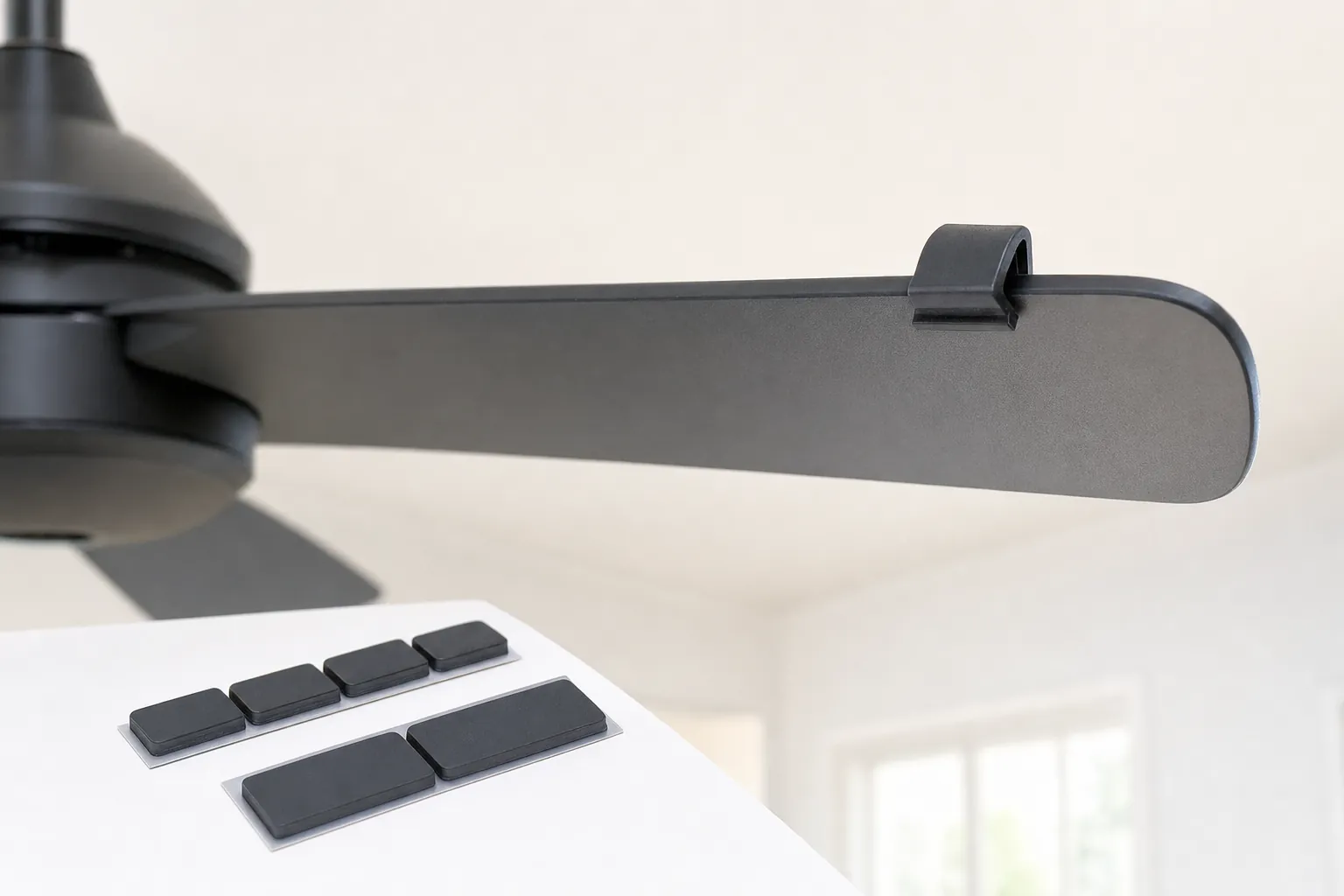
The key is to test one change at a time. Put the clip on one blade, step down, restore power and run the fan briefly at the same speed. Turn the fan off before moving the clip. When one placement improves the wobble, the kit may call for a small adhesive weight at that spot. If no position helps, or the fan gets worse, stop. That result points away from a simple blade-balance problem.
A balancing kit is not a fix for a loose mount, a damaged blade arm or an electrical issue. Do not add coins, tape, washers or other improvised weight to a blade. Those items can come loose and turn a small annoyance into a safety issue. The related summer fan-direction guide also covers the simple checks worth making after any seasonal change, including confirming that the fan runs steadily at the speed you actually use.
Look at the canopy, but do not open up the support
The canopy is the decorative cover where the fan meets the ceiling. With the fan off, look for a gap that changes when you gently touch the cover, screws that are missing or loose, or a fan body that seems to hang at an angle. A canopy that moves does not automatically tell you which part is wrong, but it is a clear signal to stop running the fan until the mounting is checked.
Do not remove the canopy to investigate the electrical box or mounting bracket unless you are qualified and equipped for that work. A ceiling fan is heavier and more dynamic than a light fixture, so the support behind it matters every time the blades turn. A prior light fixture location is not automatically a suitable fan location. When the support is in question, the safer choice is to have it assessed before the fan is used again.
Homeowners in the Charlotte area can use the ceiling fan installation page to see what information makes a photo-based quote useful. A wide room photo, a close photo of the canopy, the existing wall control and the fan model can help separate a simple adjustment from a project that needs a different trade.
Know when the wobble needs professional help
Call for help when the fan continues to wobble after the accessible screws, blade condition and basic balance checks are complete. The same is true if it has a damaged blade, bent arm, moving canopy, grinding noise, electrical smell, flickering light or a wall switch that acts unpredictably. Those symptoms deserve a closer look before the fan is put back into regular use.
Got A List? Co. handles standard ceiling fan installation and practical home installation and repair work. For a standard fan problem, send a short video from a safe distance along with photos of the ceiling and the fan model. If the project needs new circuits, panel work, major electrical troubleshooting or other work that requires a licensed electrician, the right next step is an electrician. That distinction protects the home and keeps the fix honest.
For a straightforward replacement or adjustment within scope, published pricing gives homeowners a useful starting point. If you have other small projects ready, include them with the fan details. The project gallery shows the kind of practical installation work that can often be handled in the same visit.
A quick check before you turn the fan back on
Before running the fan again, confirm that the area below it is clear, the blades move freely by hand and all accessible parts you checked are secure. Start at a low speed and watch from the floor. If the fan stays steady, increase to the speed you normally use and listen for any new sound. A fan that remains smooth at low speed but shakes strongly at high speed still needs attention. Do not decide it is fine simply because it is quieter on the lowest setting.
A calm, methodical check is more useful than trying five fixes at once. It lets you describe the problem clearly, gives a service professional better information and reduces the chance that a small wobble turns into a damaged fan or ceiling.
Frequently asked questions
A faint movement can be hard to notice on a high fan, but a fan that visibly rocks, shakes the light kit or makes new clicking sounds deserves attention. Turn it off and inspect the simple, accessible parts before using it again.
A sudden wobble can come from a loose blade screw, dust buildup, a blade that was bumped out of alignment or a balancing weight that came loose. If the canopy or mounting area moves too, stop using the fan and have the support assessed.
A balancing kit is reasonable only after the fan is off, the blades and accessible fasteners have been checked and the mounting area looks solid. Follow the kit and fan instructions exactly. Do not use weights as a workaround for a loose or moving mount.
You can carefully check accessible blade screws and blade-arm screws with the fan off. Do not take apart the ceiling box, wiring or mounting hardware unless you know the work is within your scope. A moving canopy, damaged blade or electrical symptom is a reason to stop.
Ask for help when the fan wobbles strongly after the basic checks, the mounting canopy shifts, the fan makes grinding or electrical noises, a blade is damaged or the fan is installed on a very high or vaulted ceiling. Those issues need a closer assessment before the fan runs again.
Need a ceiling fan checked?
Send a photo or a short video of the fan from a safe distance, plus the room and ceiling details.
Request a Free QuoteKeep planning
Related guides
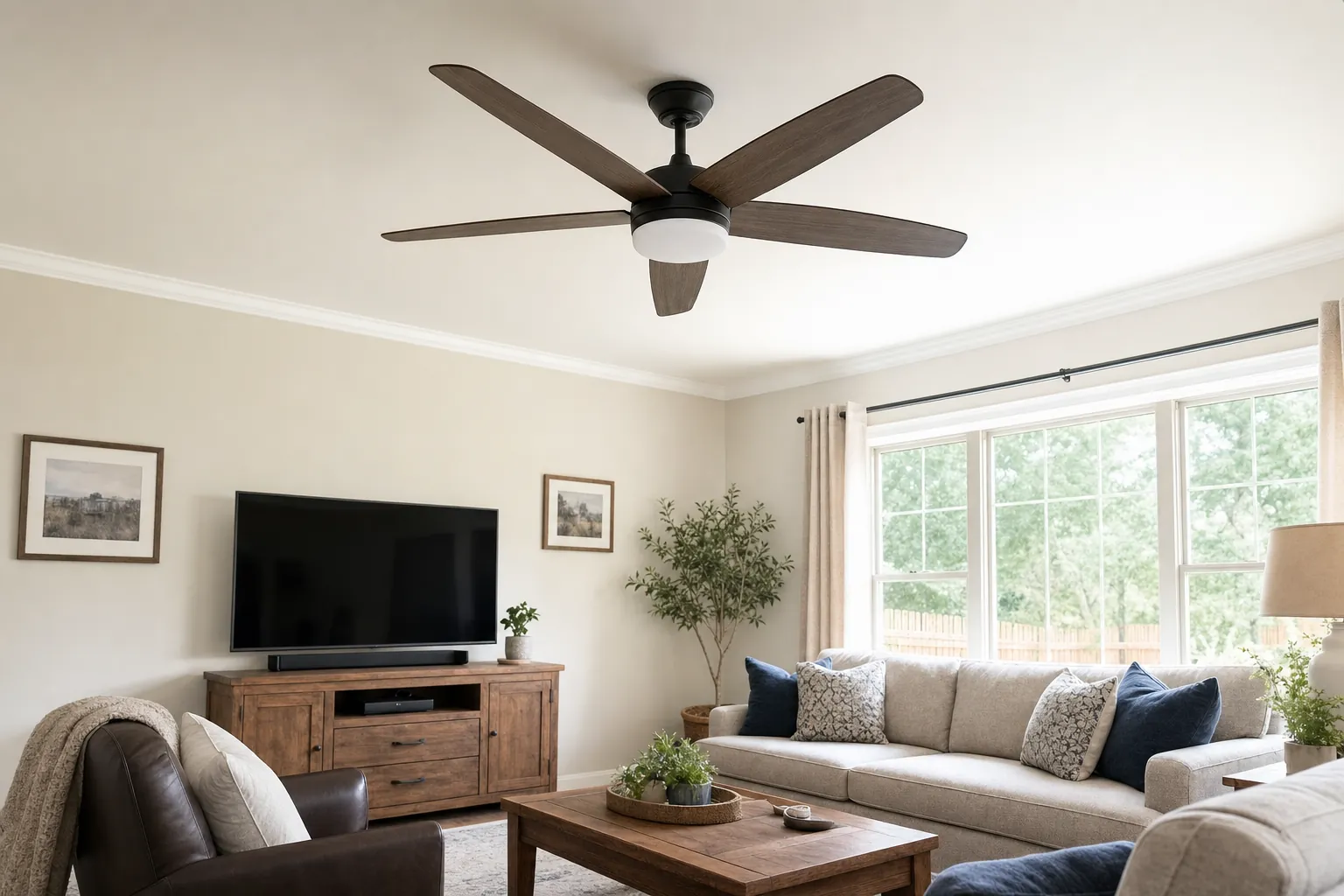
Ceiling Fan Size Chart: Find the Right Fit
Use room size, ceiling height and placement to choose a ceiling fan that feels right in the space.
Read the guide →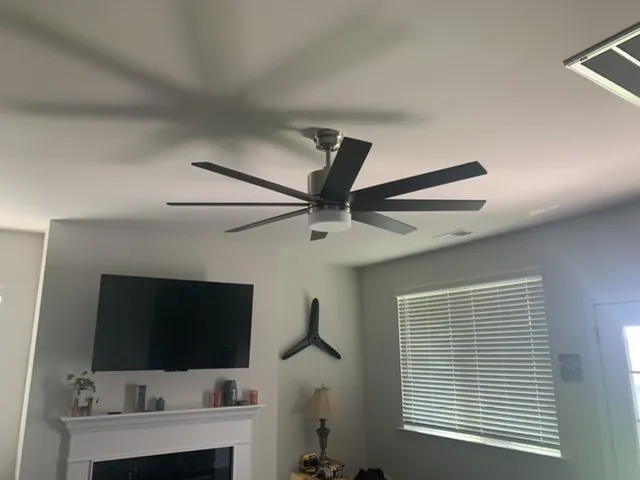
Ceiling Fan Installation Cost: What to Expect
The practical details that shape a ceiling fan installation quote, from replacing an existing fan to a new location.
Read the guide →
Ceiling Fan Direction in Summer: Which Way?
Set your ceiling fan for a cooler-feeling room, learn how to check the direction, and know when a setup problem needs a closer look.
Read the guide →